Get your USDOT number free via FMCSA URS in 2026—plus ID verification tips, timeline, costs, and what to do next. Start now.
How do I get a USDOT number? Apply online through the FMCSA Unified Registration System (URS), enter your business and operation details, complete any identity verification prompts, and submit—your USDOT number often appears as soon as the application is successfully submitted (FMCSA FAQ: https://www.fmcsa.dot.gov/faq/how-do-i-register-usdot-number).
Here’s what catches first-timers: getting the number can be quick, but getting “ready to haul” can be slower if you also need authority, filings, and insurance lined up. If you’re unsure whether you need more than a DOT number, start with this bigger-picture walkthrough: FMCSA operating authority (MC) setup overview.
Table of Contents
Reading time: 8 minutes
Key Takeaways: How to Get a USDOT Number Fast (Without Mistakes)
Key takeaways for getting a USDOT number in 2026 include that FMCSA URS registration for a USDOT number is generally free, lookalike “DOT registration” sites may charge fees, and authority activation can still take longer if you also need an MC number and filings.
- Applying is usually free: If you apply directly with FMCSA through URS, you’re not paying FMCSA a “DOT number fee” in most cases.
- DOT can be quick; authority can be slower: A DOT number may show right after submission, while operating authority (MC) and required filings can add days or weeks.
- ID verification is where people get stuck: Most failures come from mismatched name/address, blurry photos, expired ID, or bad connection.
- Compliance starts immediately: Vehicle marking rules, record updates, and new-entrant expectations can cost time and money if ignored.
Quick tip: Copy the “Before You Apply” checklist below into your notes app and check items off as you go.
Do You Actually Need a USDOT Number? (Quick Eligibility Check)
A USDOT number is generally required for interstate commercial motor vehicles that meet federal CMV thresholds—commonly 10,001+ lbs GVWR/GCWR, certain passenger counts, or placarded hazmat—under FMCSA rules (see 49 CFR § 390.5 and related definitions: eCFR Part 390).
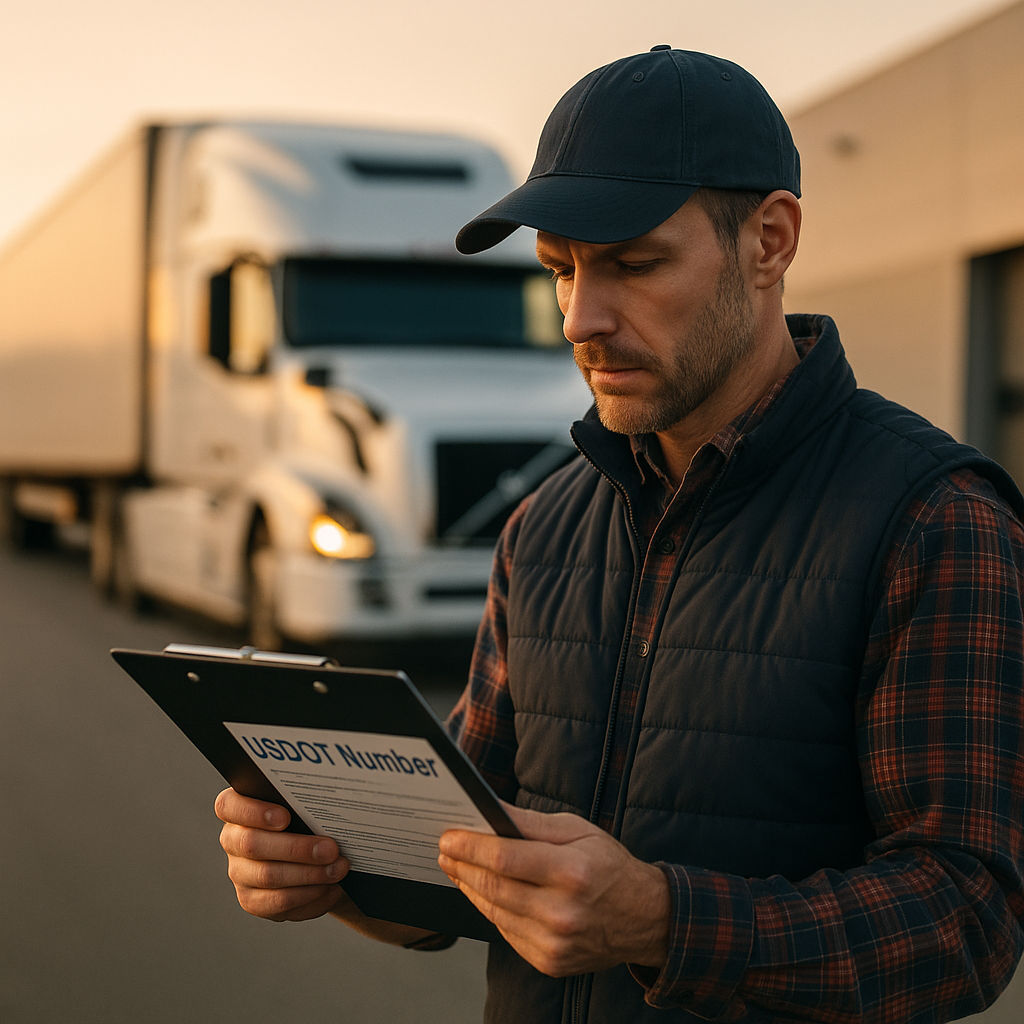
Plain English: a USDOT number is your company’s identifier in FMCSA’s system, tied to inspections, audits, and safety history. Brokers, shippers, and insurers often look at your Company Snapshot before they decide to work with you.
Common real-world cases where you need it
- Interstate operation: You cross state lines, or the freight is part of interstate commerce (even if your route is in one state).
- Weight threshold: Your truck + trailer combination is at or above common federal CMV thresholds (often 10,001+ lbs GVWR/GCWR in interstate commerce).
- Passenger/hazmat: You transport passengers under applicable thresholds or haul placarded hazardous materials.
Important intrastate note: Some states require a USDOT number even for intrastate-only carriers. If you never leave the state, confirm with your state DOT or state motor carrier office.
If you’re trying to figure out whether you need an MC number (authority) in addition to USDOT, this breakdown helps: USDOT number vs. MC number differences.
What You Need Before You Apply (Documents + Info Checklist)
FMCSA URS requires consistent business identity, contact information, and operation details, and small mismatches (like legal name or address formatting) are a common cause of verification delays and cleanup later.
The fastest applications are the boring ones: everything matches across your records, and you can access the same email/phone a year from now when you need to update your file.
Before-you-apply checklist (save this)
- Legal business name: Exactly as registered (and your DBA, if you use one).
- EIN or SSN: Use what applies to your business structure.
- Physical address: Keep formatting consistent (Suite vs Ste, punctuation, etc.).
- Phone + email: Use contacts you’ll keep long-term (not a temporary setup).
- Operation type: For-hire vs private; interstate vs intrastate.
- Cargo categories: Choose what you actually plan to haul (don’t “click everything”).
- Drivers + power units: Best estimate if you’re brand new; plan to update if it changes.
If you’re still building the business foundation (entity setup, business address strategy, phone consistency, etc.), use a structured pre-launch list: starting a trucking business checklist.
How to Apply in FMCSA URS (5 Steps)
The FMCSA Unified Registration System (URS) is the official online portal where carriers register and manage USDOT information, and clean data entry is the biggest factor you can control to avoid rework.
You can do this yourself without paying a “DOT registration” service, as long as you’re comfortable entering your business and operation details carefully.
Step-by-step URS flow
- Start on the official FMCSA registration site. If a website is asking for payment just to “get your DOT number,” slow down and confirm you’re not on a third-party lookalike.
- Create/login to your account. Use an email you control long-term and store the login in a password manager.
- Enter company + operation details carefully. Match legal name and address to your other records to reduce identity verification issues.
- Review before submitting. Double-check legal spelling, address formatting, operation type, and cargo selections.
- Submit and save proof. Save/print the confirmation page and keep it in a compliance folder.
Pro tip: If you’re not sure whether you need just USDOT or USDOT + authority, this overview shows the whole path end-to-end: FMCSA operating authority (MC) setup overview.

What Happens Next: Identity Verification, Timeline, Costs, and Compliance
After a successful URS submission, a USDOT number often appears immediately, but your real “ready to operate” timeline depends on whether you also need operating authority, insurance filings, and other registrations for your lanes.
Identity verification: what to expect (and how not to fail it)
FMCSA may require identity verification for first-time applicants during the URS process, and failed verification can pause progress until your identity can be confirmed (FMCSA registration information: https://www.fmcsa.dot.gov/registration/registration-forms).
- Most common failure: Name/address doesn’t match other records, or it’s entered inconsistently.
- Photo issues: Blurry images, glare, low light, or an expired ID.
- Tech issues: Spotty Wi-Fi/cell service, VPNs, or device/browser problems.
Quick fixes that usually work: use strong lighting, hold the camera steady, avoid glare, turn off VPNs, and recheck address formatting (Suite vs Ste, punctuation, spacing).
Timeline + cost: USDOT vs authority (and the insurance reality)
USDOT registration through FMCSA URS is generally free, while operating authority (MC), filings, permits/plates, and insurance can add meaningful startup costs depending on your operation.
- USDOT number: Often shows right after successful submission.
- Operating authority + filings: Can add time, especially if you’re lining up insurance filings and required steps like BOC-3.
If you’re moving into for-hire work (including hotshot), you’ll likely be shopping insurance quickly. For a plain-English breakdown of common coverages (auto liability, cargo, physical damage, bobtail/non-trucking), start here: commercial truck insurance basics.
Compliance after you get your number (don’t skip this)
Federal marking rules require displaying your legal name and USDOT number on the vehicle in a legible manner, and the core requirement is found in 49 CFR § 390.21 (source: https://www.ecfr.gov/…/390.21).
- Marking/display: Make it readable, contrasting, and maintained so it’s inspection-ready.
- Keep your record updated: FMCSA requires carriers to update registration information, including periodic updates such as the biennial update requirement under 49 CFR § 390.19 (see FMCSA “Getting Started”: https://www.fmcsa.dot.gov/registration/getting-started).
- Build a simple compliance folder: insurance docs, maintenance records, inspection history, and any applicable driver qualification items, drug/alcohol program enrollment, and HOS/ELD basics.
Common “what’s next” items (if they apply to you):
- BOC-3 filing guide (often part of the authority path)
- UCR registration guide (commonly missed by new carriers)
- IFTA registration guide (fuel tax reporting for many interstate operations)
- New entrant safety audit guide (build readiness early)
Frequently Asked Questions
You register for a USDOT number by applying online through FMCSA’s Unified Registration System (URS), entering your business and operation details, completing any identity verification prompts, and submitting the application (FMCSA FAQ: https://www.fmcsa.dot.gov/faq/how-do-i-register-usdot-number). Save the confirmation page and record the USDOT number for broker packets and your compliance file. If you also need operating authority (MC), your “ready to haul” timeline can be longer than the DOT number itself because you may need additional filings and insurance steps.
You typically need your legal business name and physical address, EIN or SSN, reliable phone and email, and clear operation details such as for-hire vs private, cargo categories, and interstate vs intrastate status. If FMCSA triggers identity verification, you’ll need a valid government-issued photo ID and a successful photo/selfie capture with good lighting and a stable connection. The most common problem is mismatched name or address formatting compared to your other records.
If your URS submission is successful, the USDOT number often shows up immediately after you submit. Delays usually come from identity verification issues (like a mismatch in legal name/address or poor ID photos) rather than “processing time.” If you also need operating authority (MC) and supporting filings (plus insurance steps), your overall timeline to be fully operational can be longer even though the DOT number itself appears quickly.
After you receive your USDOT number, you should (1) mark the truck with your legal name and USDOT number as required by 49 CFR § 390.21, (2) set up a basic compliance folder for inspections and audits, (3) confirm whether your business also needs operating authority and filings, and (4) complete any extra registrations required for your lanes and size. A commonly missed next step is UCR registration, which many interstate carriers must maintain annually.
Conclusion: Get the USDOT Number, Then Get Inspection-Ready
Getting a USDOT number is usually straightforward when you use FMCSA URS and enter consistent, accurate information. The bigger win is what you do next: pass verification cleanly, mark the vehicle correctly, and set up your compliance basics before your first roadside inspection.
Key Takeaways:
- Use FMCSA URS directly and save your submission confirmation for your records.
- Prevent verification delays by matching your legal name/address formatting across all records.
- Plan for “next steps” like marking rules, biennial updates, UCR/IFTA (if applicable), and authority/insurance requirements.
If you’re trying to get rolling this week, it helps to align your USDOT/authority path, paperwork, and insurance requirements upfront so you can focus on miles—not cleanup.