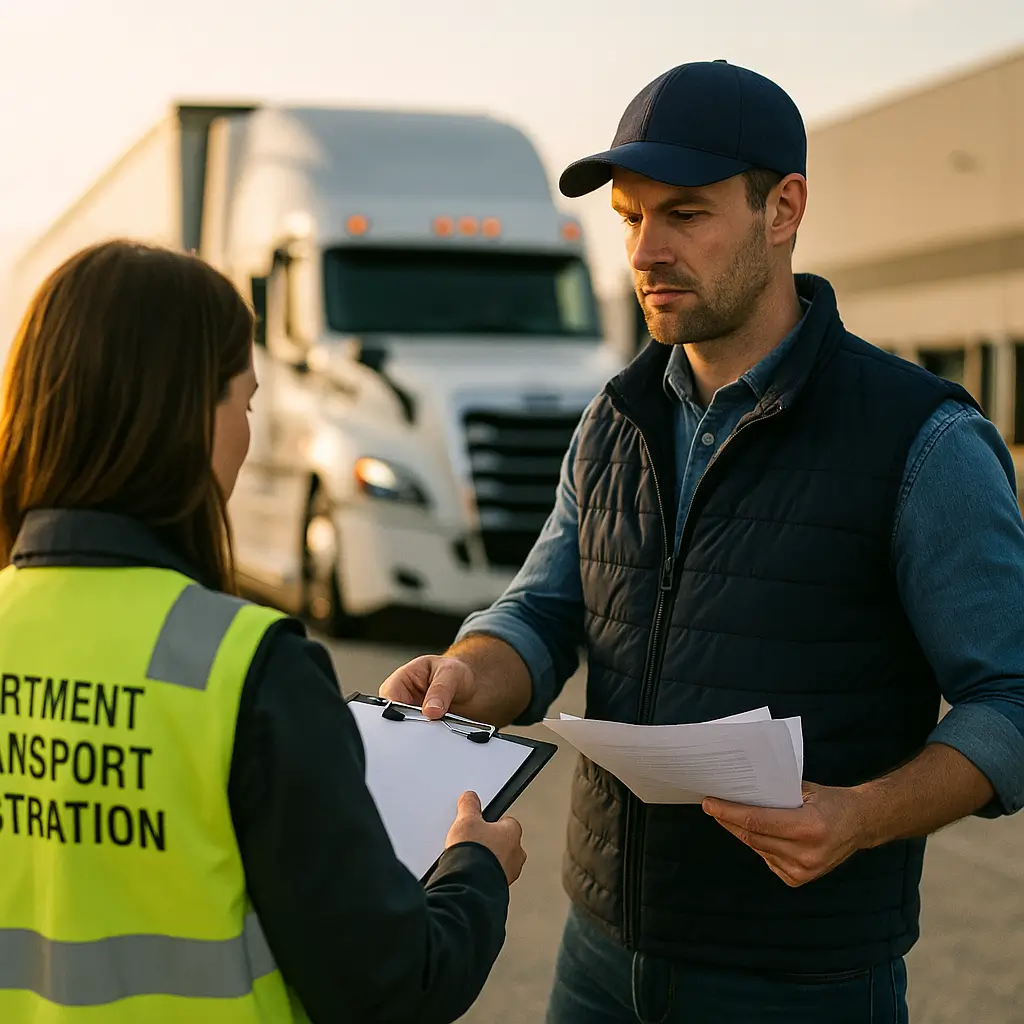
Department of transport registration through FMCSA follows seven steps.
- Decide whether you need USDOT, MC, or both
- Gather legal name, EIN, address, and contacts
- Define operations, cargo type, and power units
- Apply through the FMCSA portal
- Complete required filings and keep receipts
- Confirm active status before booking loads
- Store proof and set renewal reminders
Department of transport registration usually means one of two things: state vehicle registration (plates/stickers) or federal DOT registration through FMCSA (a USDOT number and sometimes MC operating authority). The fastest way to avoid downtime is to pick the right agency first, then bring documents that match exactly (legal name, address, VIN, weight class, and insurance proof).
A lot of “registration” problems are really compliance problems (wrong operation type, missing filings, or mismatched paperwork). If you want the bigger picture beyond plates and portals, start with this internal resource: DOT compliance checklist [INFERRED — verify before publish].
Table of Contents
Reading time: 8 minutes
- What “Department of Transport Registration” Can Mean (Federal vs State)
- Who Must Register: A Quick Decision Tree (Owner-Op Friendly)
- FMCSA Registration (USDOT/MC): Step-by-Step (2026)
- State DoT/DMV Vehicle Registration: Documents, Fees & Online vs In-Person
- Commercial Add-Ons That Trip Up New Carriers (IRP, Hazmat, Insurance, and Mistakes)
- Frequently Asked Questions
- Conclusion: Register Correctly the First Time
What “Department of Transport Registration” Can Mean (Federal vs State)
In the U.S., “department of transport registration” most commonly refers to state vehicle registration (plates/title), but drivers also use it to mean FMCSA credentials (USDOT number and MC authority) and, for certain hazmat operations, PHMSA registration.
That wording confusion is why people end up in the wrong portal, pay the wrong fee, or get stuck fixing info later. Here’s the clean breakdown.
Federal DOT registrations (FMCSA): USDOT number + (sometimes) operating authority
FMCSA registration identifies your carrier operation for federal safety and enforcement checks, not the plate on the truck. The two items most carriers run into are:
- USDOT Number: The carrier identifier used in the federal safety system (shown on inspections, audits, and roadside checks).
- MC / Operating Authority: Authorization that many for-hire interstate carriers need before they can legally haul certain types of freight.
FMCSA’s official registration hub is here: https://www.fmcsa.dot.gov/registration.
Hazardous materials registration (PHMSA): separate from “DOT number”
PHMSA hazmat registration is a separate federal registration that applies to certain hazardous materials transportation activities, and it is not the same thing as a USDOT number.
PHMSA’s registration information page is here: https://www.phmsa.dot.gov/registration/registration-information.
State DoT/DMV vehicle registration: plates, stickers, and title workflow
State registration is what makes a specific vehicle street-legal in that state, typically by issuing plates, stickers, and a registration record tied to the VIN and declared class/weight.
If your plate/registration isn’t valid, you’re risking tickets, tows, and the kind of roadside delays that ruin the whole week.
Who Must Register: A Quick Decision Tree (Owner-Op Friendly)
Most commercial carriers deal with at least one of three buckets—state vehicle registration, an FMCSA USDOT number (49 CFR Part 390), and sometimes MC operating authority (49 CFR Part 365)—and many interstate operators end up needing more than one.
Start by answering this one question: Are you registering a vehicle (plates), registering a carrier operation (USDOT/MC), or both?
| Your situation | Register with | What you’re really getting | Common documents |
|---|---|---|---|
| You bought a truck/trailer and need plates | State DMV/DoT | Plate/sticker + registration record | Title/MCO, ID, address, insurance |
| You haul for-hire / brokered freight interstate | FMCSA | USDOT and possibly MC authority | Business info, operation details, filings |
| You run multiple states at commercial weights | State IRP office | Apportioned registration | Mileage estimates, VINs, weight, business docs |
| You haul certain hazmat | PHMSA (plus others) | Hazmat registration certificate | Hazmat business details, renewal tracking |
If you’re unsure whether you need a federal USDOT number at all, read this before you apply anywhere: USDOT number requirements [INFERRED — verify before publish].
Pro tip: Don’t guess on “private carrier vs for-hire” or “interstate vs intrastate.” Picking the wrong operation type is a common reason carriers get stuck in review or have to correct filings later.
FMCSA Registration (USDOT/MC): Step-by-Step (2026)
FMCSA issues USDOT numbers under 49 CFR Part 390 and processes motor carrier operating authority under 49 CFR Part 365, and carriers should verify their status is active before booking for-hire loads.
FMCSA’s official overview is here: https://www.fmcsa.dot.gov/registration.
The 7-step checklist (quick, featured-snippet format)
- Confirm whether you need a USDOT number, MC authority, or both.
- Gather business info (legal name/DBA, EIN/SSN, address, phone/email).
- Define operations (interstate vs intrastate, for-hire vs private, cargo type, number of power units/drivers).
- Apply through the official FMCSA registration portal and save your confirmation details.
- Complete any required filings and keep all receipt numbers for your records.
- Verify your status shows active where needed before you book loads.
- Store proof and set reminders for updates (address, vehicles, biennial updates, renewals).
What it is (plain English)
- USDOT number: Your carrier “ID” in the federal safety system.
- Operating authority (MC): Permission to operate for-hire in many interstate scenarios (depending on what you haul and how you’re paid).
Why it matters (business reality)
If you run broker freight, “almost registered” doesn’t help. One missed step can lead to canceled loads, broker onboarding delays, or getting flagged when your business details don’t match across documents.
If you’re starting authority, use a step-by-step walk-through so you don’t miss dependencies: FMCSA operating authority application steps [INFERRED — verify before publish].
State DoT/DMV Vehicle Registration: Documents, Fees & Online vs In-Person
State vehicle registration typically requires proof of ownership, identity/address, and insurance, and many states require valid insurance on file before they issue plates or a registration sticker.
The exact steps vary by state, but the patterns are consistent—especially for first-time registrations and commercial weight classes.
One common reason people get turned around at the counter is insurance that doesn’t match how the truck is used (personal vs commercial, for-hire vs not). Here’s a practical overview: commercial truck insurance basics [INFERRED — verify before publish].
Documents most states ask for (bring more than you think)
- Proof of ownership: title, MCO/MSO, or bill of sale (depends on the situation and state rules).
- ID + proof of address: make sure it matches your application exactly.
- Proof of insurance: the “right” proof depends on whether it’s personal or commercial use.
- Inspection paperwork: if your state requires safety/emissions checks.
- Lienholder info: if a bank/finance company holds the title.
Fees you may see (why your buddy paid less than you)
State registration fees are usually a stack of line items, not a single number. Depending on the vehicle and state, you may see base registration, title fees, plate/sticker fees, county/local fees, and weight-based commercial fees.
For a clear example of how a state breaks out steps and fees, Texas publishes an overview here: https://www.txdmv.gov/motorists/register-your-vehicle.
Online vs in-person: what usually works
- Usually online: renewals, address updates, replacement stickers.
- Often in-person: first-time registrations, out-of-state title transfers, commercial classes, or anything with missing/mismatched paperwork.
Counter-proof tip: Treat your DMV visit like a shipper appointment—print copies, bring a payment method they accept, and make sure your legal name/DBA and address match across every document.
Commercial Add-Ons That Trip Up New Carriers (IRP, Hazmat, Insurance, and Mistakes)
Interstate commercial operations often require add-ons like IRP apportioned plates, hazmat registrations where applicable, and insurance documentation that matches the operation type, or a carrier can be delayed, rejected, or parked during enforcement.
This is where most “I registered already” stories fall apart—because the carrier got plates but missed a compliance piece needed to actually haul the loads they want.
IRP apportioned plates (interstate commercial registration)
The International Registration Plan (IRP) is apportioned registration that allocates registration fees across jurisdictions based on where you run.
States explain IRP and commercial registration in their own publications; here’s an example reference from PennDOT (PDF): https://www.pa.gov/content/dam/copapwp-pagov/en/penndot/documents/public/dvspubsforms/bmv/bmv-fact-sheets/fs-cvrr.pdf.
If you want a plain-English walk-through, start here: IRP apportioned plates explained [INFERRED — verify before publish].
PHMSA hazmat registration (only if it applies to your operation)
PHMSA registration applies to specific hazmat transportation activities, and it is separate from your USDOT number and separate from state plate registration.
PHMSA’s overview is here: https://www.phmsa.dot.gov/registration/registration-information.
Insurance proof: trucking insurance vs “cheap coverage” (where affordability backfires)
FMCSA requires at least $750,000 in public liability coverage for most for-hire interstate motor carriers (see 49 CFR 387.9), and brokers/DMVs may require proof that matches your operation type.
- Affordable trucking insurance only works if it matches the job (radius, cargo, for-hire status, equipment type).
- Semi truck insurance setups (tractor/trailer, higher weights) often come with different limits and filing requirements than light-duty setups.
- Hotshot insurance is commonly misunderstood—many hotshots start with a personal pickup policy and then hit a wall when a broker, DMV, or claim forces the issue.
Bottom line: Registration offices and brokers don’t care what you meant to buy—only what the proof shows and what the policy actually covers.
Common registration mistakes (delay killers)
- Using the wrong portal (state plates vs FMCSA vs PHMSA).
- Name/address mismatches (legal name vs DBA vs home address).
- Wrong weight/class on commercial plates.
- Not saving confirmation numbers, receipts, temp tags, or certificates.
- Letting renewals lapse and finding out when you’re trying to book a load.
Frequently Asked Questions
These answers separate state vehicle registration from FMCSA USDOT/MC credentials and include common thresholds and documentation details you can quote and apply.
Anyone operating a vehicle on public roads generally needs state vehicle registration (plates), and interstate commercial carriers may also need an FMCSA USDOT number under 49 CFR Part 390 and sometimes MC operating authority under 49 CFR Part 365. If you’re only trying to get plates, you’re dealing with your state DMV/DoT. If you’re hauling for-hire interstate (especially brokered freight), you may need federal credentials in addition to state plates. Certain hazmat activities can also trigger PHMSA registration requirements. When in doubt, confirm your USDOT trigger points here: USDOT number requirements [INFERRED — verify before publish].
To register a vehicle for plates/stickers, you apply through your state DMV/DoT with proof of ownership (title or MCO/MSO), ID/address proof, and insurance proof in the format your state accepts. Renewals are often online, but first-time registrations, out-of-state title transfers, and some commercial classes are commonly in-person. The best way to avoid a second trip is to bring printed copies, verify your VIN and declared weight/class, and make sure your legal name/DBA and address match across every document. Keep your receipt and temporary registration/tag until the plate and record show active.
No—an FMCSA USDOT number is a federal carrier identifier tied to safety compliance (49 CFR Part 390), while vehicle registration is state-issued plates/stickers tied to a specific VIN. A USDOT number follows the business/operation, and a plate follows the vehicle. Many interstate commercial operators need both: state registration to operate the truck legally on roads, and federal credentials so roadside enforcement, brokers, and shippers can verify the carrier’s status. If you’re also applying for for-hire authority, follow a step-by-step process here: FMCSA operating authority application steps [INFERRED — verify before publish].
Most states require proof of insurance before they’ll issue registration and plates, and FMCSA requires at least $750,000 in public liability coverage for most for-hire interstate motor carriers under 49 CFR 387.9. The catch is that “proof” has to match your operation—personal auto coverage often won’t satisfy commercial use or broker onboarding. If you’re trying to separate state registration fees from what drives premium, this explainer helps: truck insurance cost factors [INFERRED — verify before publish]. For a baseline on coverage types and common documents, review commercial truck insurance basics [INFERRED — verify before publish].
Conclusion: Register Correctly the First Time
Correct “department of transport registration” starts with picking the right lane: state plates, FMCSA USDOT/MC, and (if applicable) PHMSA hazmat registration. If you match your documents, save your confirmations, and verify status before booking loads, you avoid the most common downtime traps.
Key Takeaways:
- “DoT registration” is often two different processes: state vehicle registration vs FMCSA carrier registration.
- Don’t guess your operation type; it drives whether you need USDOT, MC, IRP, and specific insurance filings.
- Most delays come from mismatched names/addresses, wrong weight/class, or incomplete insurance proof.
If you’re building out your full setup, keep going with: state-by-state trucking requirements [INFERRED — verify before publish] and hotshot insurance guide [INFERRED — verify before publish].