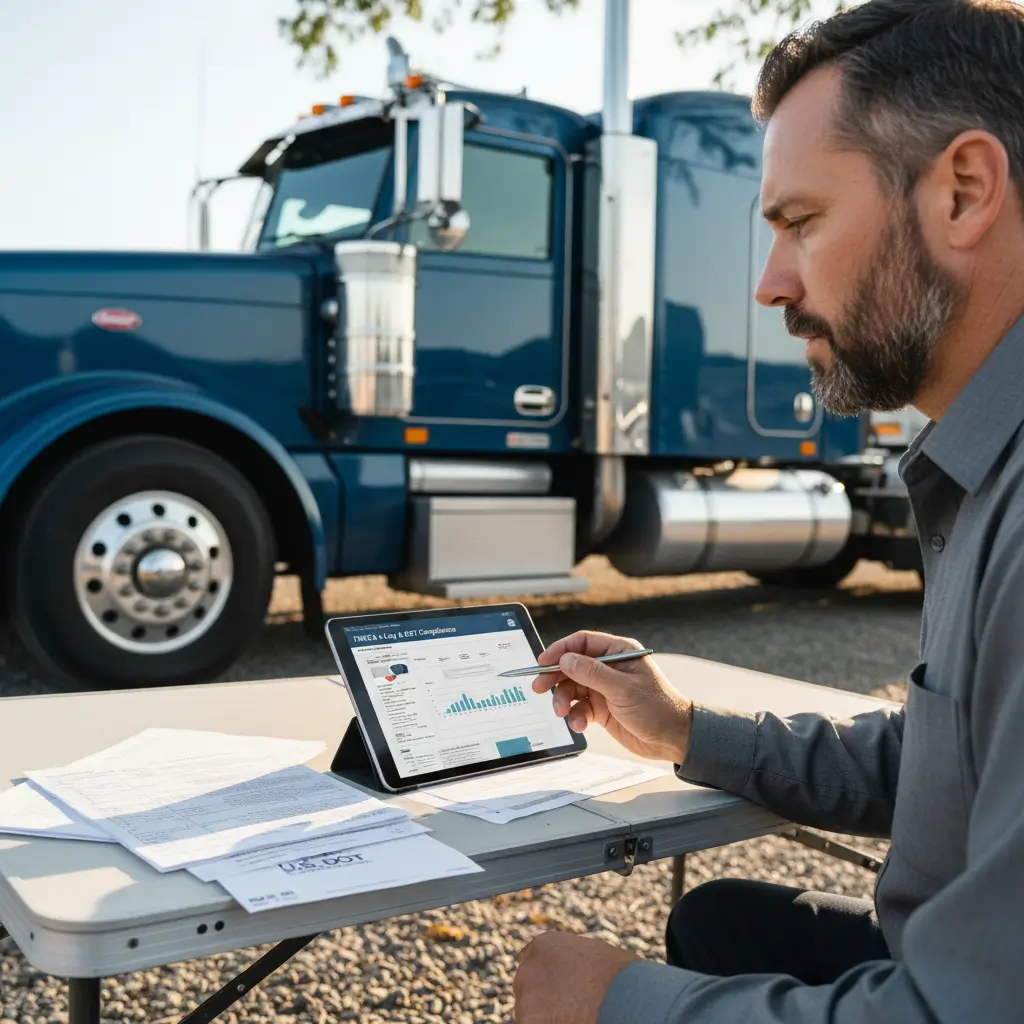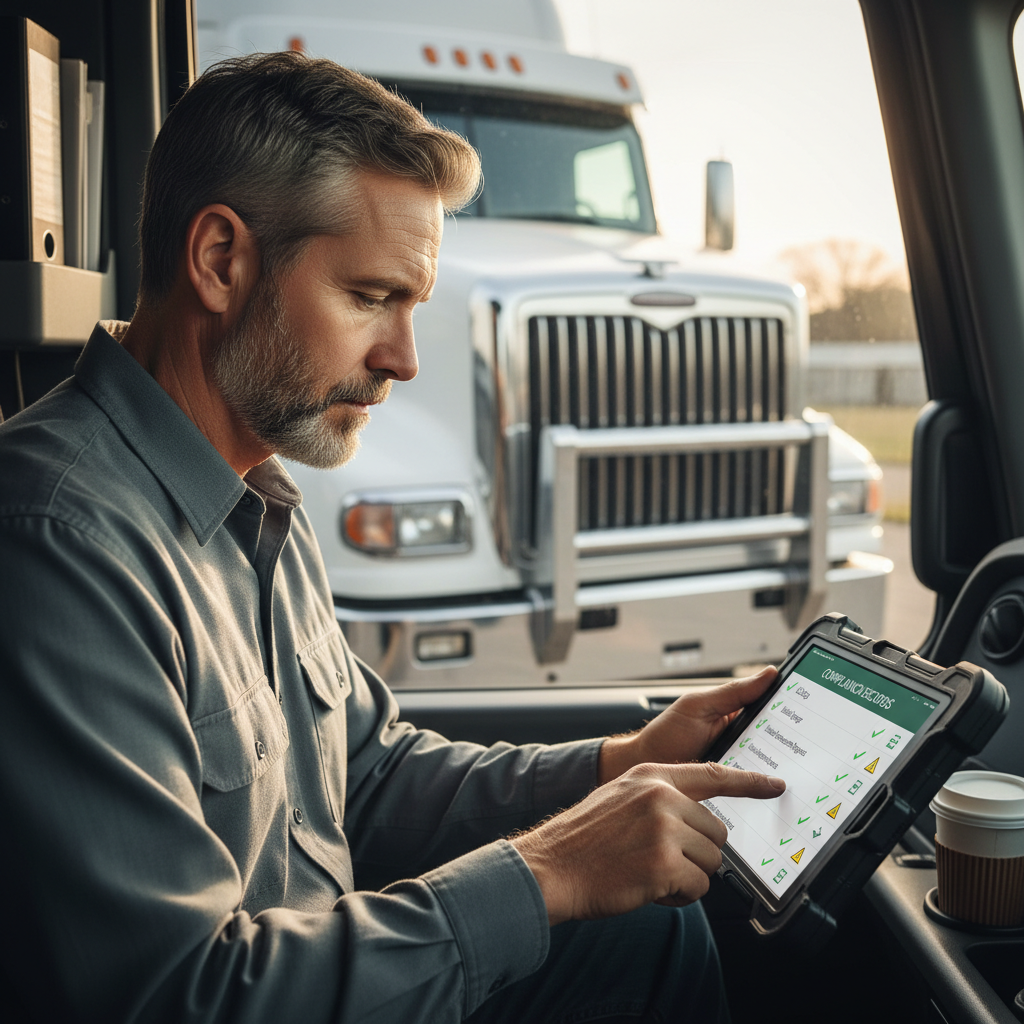

If you need an FMCSA Change of Address, don’t assume one screen updates everything. A carrier may need to change a USDOT registration record, an MC operating-authority record, a portal account, or more than one. The fastest way to avoid delays is to identify the right record first, then use the matching FMCSA update path.
Which FMCSA Record Needs Your New Address?#
An FMCSA address change starts with one question: which record actually changed? Your new address may affect your USDOT registration, your MC operating authority, your FMCSA Portal account, or all three. If you pick the wrong path, you can waste time or end up thinking the change is done when it isn’t.
A USDOT number is the identifier FMCSA uses for a motor carrier’s registration and safety record. An MC number is the operating-authority identifier tied to for-hire authority when that authority is required.
Under 49 CFR Part 390, including 49 CFR 390.19, motor carriers must keep MCS-150 information current and file updates when required by the rule. That matters because your address may live in a registration record, not just in the login you use to access FMCSA systems.
USDOT registration versus operating authority#
If your company moved, start by checking whether the change affects the USDOT registration record, the MC authority record, or both. A USDOT update does not automatically mean every operating-authority record changed too.
If you run for-hire and hold operating authority, treat the MC side as its own check. Don’t assume FMCSA stores one universal address that updates every carrier-facing system at once.
When a portal profile change is not a carrier-record update#
Your FMCSA Portal is the online account system used to access FMCSA services. Changing an email address, password, or user profile there may help you log in, but it may not change the official carrier record tied to your USDOT or MC information.
That’s a common mistake. A driver updates a portal profile, sees the new address in the account, and assumes the public registration changed too. Then a broker, insurer, or shipper still sees the old information.
Details to gather before you begin#
Before you touch anything, have your basic business details in front of you:
- USDOT number
- MC number, if applicable
- Legal business name
- New physical address
- New mailing address, if different
- Current phone and email contact information
- EIN or SSN details, as applicable to the record
- Working portal login access
Use your real business setup, not guesswork, to decide the path. Not every FMCSA change of address uses the same screen or the same form.

How Do I Update My Address With FMCSA?#
To update your address with FMCSA, first identify whether you’re changing USDOT registration information, MC authority information, or both. Then use the current FMCSA online registration path if available, or the form-based process if the system directs you there. Review every prefilled field, certify the update, and save your confirmation.
FMCSA’s registration and USDOT resources are the right starting point for current update instructions. For many carriers, the address update may involve the MCS-150, which is the form motor carriers use to update key USDOT registration information.
Use the online registration-update path when available#
If FMCSA gives you an online path, use that first. In practical terms, the workflow looks like this:
- Sign in through the correct FMCSA registration or portal path.
- Pull up the carrier record tied to your USDOT number.
- Update the address and contact fields that actually changed.
- Review every prefilled business detail before you submit.
- Certify the submission.
- Save or print the confirmation.
Be careful with prefilled data. If the system shows an old mailing address, old phone number, or stale contact name, don’t rush past it just because you only came in to change one field.
Use the applicable paper form when online access is unavailable#
If you can’t complete the change online, or FMCSA directs you to a form-based route, follow the current agency instructions for that form. Depending on the record, FMCSA may require an MCS-150 update or another registration-related process rather than a simple portal edit.
Do not create a duplicate USDOT or MC record just to report a move. That usually creates a bigger cleanup problem than the original address change.
Submit only after reviewing the carrier details#
Before you hit submit, confirm the legal name, address fields, contact info, and any identifying details attached to the record. One wrong line can trigger delays, mismatched public data, or questions from business partners who rely on FMCSA records.
After submission, keep your proof. Save the confirmation page, timestamp, screenshots, and any tracking or confirmation number FMCSA provides.
What If the Address Change Also Affects Your MC Authority?#
If you have an MC number, check whether the address on your operating-authority record also needs to change. A USDOT registration update does not always update authority-related records, insurance filings, or process-agent information. Treat MC authority as a separate confirmation step, not an automatic byproduct of a USDOT edit.
An operating authority is FMCSA’s permission for certain for-hire carriers, brokers, and freight forwarders to operate in interstate commerce. If your business has one, review FMCSA’s current authority-update instructions based on your entity type and record status at FMCSA.
Recognize when operating-authority information is involved#
If you haul for hire under an MC number, your move may affect more than the registration side. The authority record may carry address details that need to match the business as it’s actually operating now.
That matters when insurers, process agents, brokers, or shippers compare records. One old address in one system can slow down onboarding or create avoidable back-and-forth.
Use the authority-specific FMCSA instructions#
Don’t guess here. Follow the current FMCSA instructions for authority-related changes instead of assuming the same path used for a USDOT registration update covers everything.
If you’re not sure which insurance documents or business contacts need updated information, review your active commercial trucking policy documents with a knowledgeable agent at
Check related business records after the FMCSA update#
After FMCSA processes the change, check the other records that may depend on the same address:
- Insurance filings
- Process-agent information
- State registrations or credentials
- Broker and shipper onboarding profiles
- Internal business documents
The exact follow-up depends on your authority, your state operations, and how your business is set up.
How Do I Update My FMCSA Portal?#
Updating your FMCSA Portal is separate from updating your official carrier registration. The portal handles account access, user details, permissions, and recovery steps, while your USDOT or MC record holds the official business information. If you can’t reach the right record, fix the account-access issue first.
FMCSA’s portal resources are the best source for current login, access, and support instructions. That is especially important when the problem is not the address itself, but the fact that you can’t get into the account that controls the update.
Update your portal account access separately#
You may need to change a user email, reset a password, recover credentials, or update account details before you can touch the carrier record. That’s normal, and it doesn’t mean the registration record has already changed.
Think of the portal as the door, not the underlying government record. Opening the door doesn’t automatically rewrite the file.
Request the right role or account access#
Some problems come down to permissions, not bad data. If the account you’re using doesn’t have the right role or access level, you may be able to log in but still be blocked from making the change you need.
That’s why it’s smart to confirm you’re in the correct account tied to the correct carrier record before you start entering new information.
Use a ticket when the portal will not let you proceed#
If the portal won’t let you continue, use the official help, recovery, or ticket process FMCSA provides. Document the ticket number and keep notes on what you submitted.
Also, don’t have multiple people sending overlapping changes from different accounts. Conflicting submissions can make a simple update messier than it needs to be.
How Long Does It Take for FMCSA to Update?#
FMCSA update timing varies by record type, submission method, system availability, completeness, and whether the agency needs follow-up. A submission confirmation only proves FMCSA received something; it does not always mean the public record has finished updating. The right move is to track the original submission instead of sending the same change again.
This is where a lot of carriers get tripped up. They submit the change, don’t see it show up right away, and then resubmit. That can create duplicate activity and more confusion.
Separate submission confirmation from public-record visibility#
A confirmation page or email usually means your update was submitted. It does not always mean the publicly visible carrier data changed that same moment.
Treat confirmation and completed processing as two different checkpoints. You’ll save yourself a lot of second-guessing that way.
Check status without resubmitting#
Use the confirmation details, the relevant FMCSA account area, or official FMCSA support to check status. If there’s a tracking number, keep it handy.
Avoid repeatedly filing the same FMCSA change of address unless FMCSA specifically tells you the first submission failed or needs to be redone.
Verify the public carrier record after processing#
Once FMCSA has processed the update, verify what the public sees through SAFER. SAFER is FMCSA’s public lookup system for carrier registration and safety information.
Check the address, carrier identifiers, and other visible details carefully. Once your FMCSA record is verified, make sure your insurer and business partners are using the same current contact information at
How Do I Speak to a Live Person at FMCSA?#
If you need a live person at FMCSA, use the agency’s official support and contact resources for the type of issue you have. The fastest route depends on whether the problem is registration, operating authority, portal access, or update status. Have your carrier details ready before you call or open a ticket.
Start with FMCSA’s official contact paths at FMCSA, not forum posts or random phone numbers copied into social media comments.
Use the official contact route for your issue#
Registration help, authority help, and portal support are not always handled the same way. You’ll get farther faster if you identify the type of problem before reaching out.
An address-change question tied to a locked account is different from an address-change question tied to an authority record.
Prepare the details support will need#
Have these ready before you contact support:
- USDOT number
- MC number, if applicable
- Legal business name
- Submission confirmation details
- Portal ticket number, if you already opened one
- Short description of the issue
Know when to ask for technical help versus registration help#
If you can’t log in, that’s usually a portal or technical-access issue. If you can log in but the record itself is wrong, that’s usually a registration or authority issue.
That distinction helps you avoid getting bounced between support channels.
FAQ#
How do I update my address with FMCSA?
First, figure out which record needs the change: your USDOT registration, your MC operating-authority record, your FMCSA Portal account, or more than one of those. Then use the current FMCSA online update path if it’s available for your record. If FMCSA directs you to a form-based process, follow that route instead.
Before submitting, review every prefilled detail, not just the address line you came to change. After you certify the update, save the confirmation page, timestamp, screenshots, and any tracking number. Don’t create a duplicate USDOT or MC record just because you moved.
How do I speak to a live person at FMCSA?
Use FMCSA’s official support resources and choose the channel that matches your problem. A portal login issue, a USDOT registration correction, and an MC authority question may not go through the same support path, so it helps to identify the exact issue first.
Before you contact FMCSA, gather your USDOT number, MC number if you have one, legal business name, submission confirmation details, and any ticket number already assigned. That way, support can look up your record faster and you won’t waste time trying to explain the issue from scratch.
How long does it take for FMCSA to update?
There’s no single fixed timeline for every FMCSA update. Processing can vary based on the type of record, whether you used an online or form-based path, whether the submission was complete, and whether FMCSA needs follow-up before finishing the change.
The key point is that submission confirmation is not always the same as completed processing. Instead of resubmitting the same change, use your confirmation details to check status through the relevant FMCSA account area or official support. Once it appears processed, verify the public-facing information in SAFER.
How do I update my FMCSA portal?
Updating your FMCSA Portal usually means maintaining account access, not directly changing the official carrier registration record. You may need to update a user email, reset a password, recover credentials, request the correct access role, or open a ticket because the system won’t let you reach the right record.
If your goal is an address update, handle the account-access issue first so you can get to the correct registration or authority record. Keep any ticket number FMCSA gives you, and avoid having several people from the company submit overlapping account or record changes at the same time.