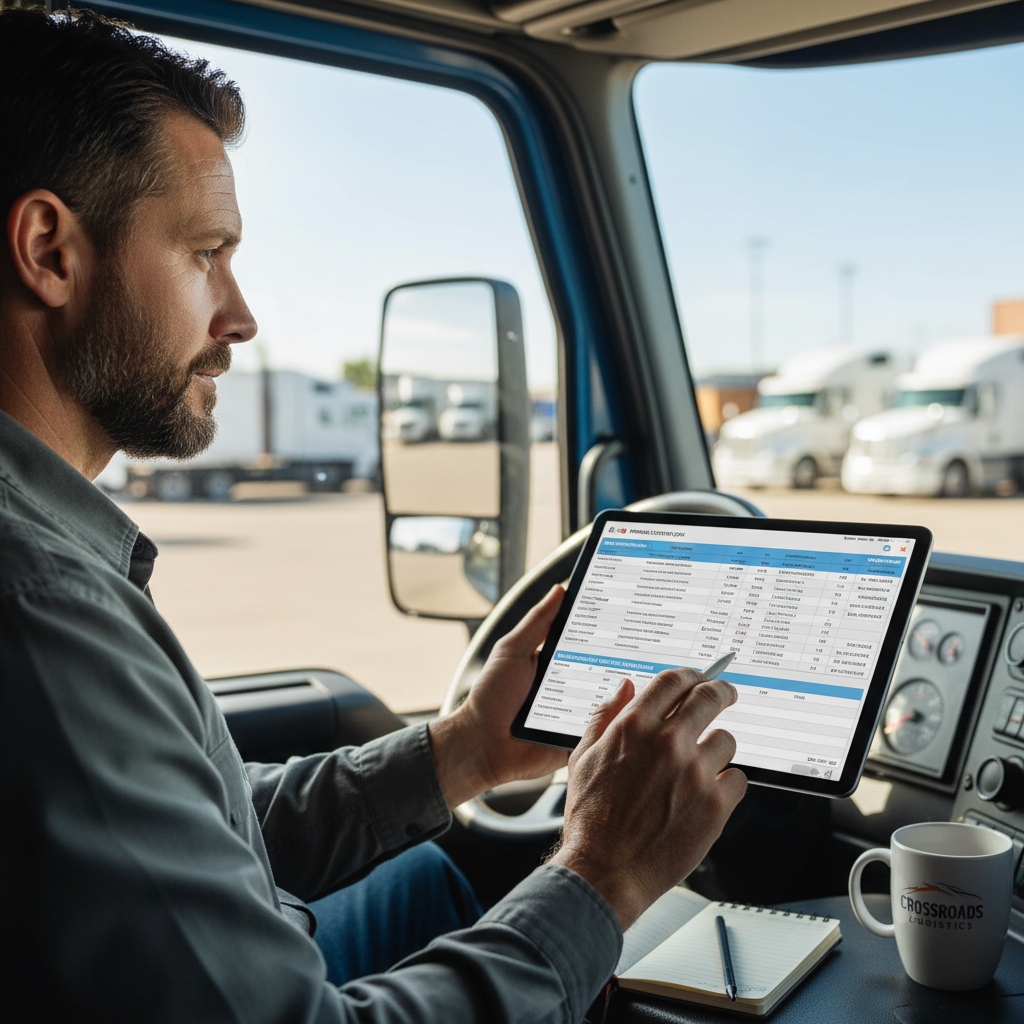

If you run your truck from the cab, the right apps for owner operators can save time, cut deadhead, and keep paperwork from piling up on the passenger seat. The trick is not downloading everything in the App Store. It’s building a small stack that helps you find freight, route safely, track fuel, and keep your business records straight.
What owner-operators actually need from apps#
The best apps for owner operators solve jobs, not hobbies. You need tools for finding freight, planning truck-safe routes, saving fuel, scanning paperwork, and handling the back office without turning your phone into a mess of overlapping subscriptions. For a broader breakdown of navigation, fuel, and parking apps for truckers, use LogRock’s companion guide alongside this owner-operator stack.
The minimum viable app stack#
For a one-truck operation, the minimum stack is simple: one load app, one GPS app, one document app, and one business/admin app. That gets you through most days without juggling five tools that all do half the same thing.
A solo operator doesn’t need a giant software stack to stay productive. If an app doesn’t help you book a load, get there, document the run, or understand whether it paid, it’s probably noise.
Solo operator vs. 2–5 truck fleet#
A solo owner-operator usually needs simplicity first. A tiny fleet may need a little more structure, like dispatch tools, freight status tracking, or shared settlement reporting.
The difference is workflow. One truck can run lean with a few strong apps. A 2–5 truck fleet may need visibility across drivers, loads, and settlements, especially if one person is dispatching from a laptop while the wheels are moving.
How to separate business and personal workflows on one phone#
Use separate folders, separate logins, and clean naming conventions. Keep commercial documents in folders like Trip Docs, Maintenance, Insurance, and Taxes, not mixed in with personal receipts and family photos.
That matters more than people think. Your authority, insurance, and operating records can get messy fast if your phone treats business and personal life like one pile. Under the federal financial responsibility framework set out in 49 CFR Part 387, commercial trucking records need to stay organized enough to support the way you operate.
If you’re still setting up authority, insurance, and records together, start with the foundation first: Start Your Trucking Company: 6 Steps to Prep Your FMCSA Authority Application.
Best apps for finding loads and booking freight#
Load boards are the core app category for owner-operators who need freight on the road. If you don’t have dedicated dispatch, this is where you search, compare, and book loads fast enough to stay moving.
Not sure which board to start with? Here are five load boards worth comparing as an owner-operator.
If you’re new to load boards, this supplemental walkthrough shows how DAT filters work in practice: How to Use DAT Load Board: A Beginner’s Guide.
What load boards do well#
A solid load app should show origin, destination, rate, miles, and enough broker detail to help you decide whether to call. It should also help you spot whether a load matches your truck, your lane, and your time.
Practical example: if you run mostly regional freight, a load board that gives you lane history and broker details can help you avoid wasting time on low-value lanes. If you run spot-market freight, those filters matter even more because every decision changes your week.
Broker credit and payment risk tools are worth a look too. They can help you avoid deadhead to a load that looks fine on paper but turns into a collection headache later.
When free load apps make sense#
Free or low-cost load apps make sense when you’re learning lanes, comparing markets, or starting with limited overhead. A solo operator can use one to build a feel for what pays, what repeats, and what brokers are easy to work with.
That’s especially useful if you’re still figuring out your lane strategy. A free app can be enough to learn. If it doesn’t improve your booking decisions, there’s no reason to pay for more.
Paid tools that are worth testing first#
Paid tools make sense when the extra filters, broker intelligence, or rate tools actually change what you haul. A carrier living on spot freight will usually get more value from a stronger load search tool than a carrier with steady contract freight.
The right test is simple: does the app help you choose better loads, cut deadhead, or avoid weak brokers? If yes, it may be worth the monthly cost. If it just duplicates what you already see elsewhere, skip it.
Best apps for routing, GPS, and road conditions#
Routing apps matter because one bad turn can cost you time, fuel, and a whole lot of stress. The right truck GPS helps you avoid low clearances, restricted roads, and route mistakes that a car app won’t catch.
Truck-safe navigation basics#
Truck-safe routing should match your truck’s size, weight, and operating area. A generic car-navigation app can send you into a mess that doesn’t fit your rig.
A solo driver running familiar lanes may only need one trusted truck GPS and a clean route plan. A tiny fleet may standardize on one tool so every driver follows the same playbook.
Weather and road alerts#
Weather and road-condition alerts are selective tools, but they can be a lifesaver in winter, mountain runs, or long-haul work where conditions change fast. They help you decide whether to roll, delay, or reroute.
A practical setup is simple: one truck-safe GPS plus one weather app. That’s usually enough unless you’re running into hard-weather territory often.
When a dedicated truck GPS still matters#
A dedicated truck GPS still matters when route accuracy beats convenience. If your operation regularly deals with size restrictions, seasonal road issues, or complex metro routing, a dedicated tool can save you from bad decisions.
Keeping one trusted navigation app is often better than jumping between three map tools. Too many apps create second-guessing, and second-guessing burns time.
Best apps for fuel savings and fuel management#
Fuel apps matter because fuel is one of the biggest controllable costs for an owner-operator. They won’t work magic, but they can help you stop smarter and see patterns in what you spend.
Finding cheaper fuel along the route#
The simplest fuel apps help you locate fuel stops along your route. That’s useful if you run predictable lanes and already know where you like to stop.
For a solo operator, that can mean choosing a fuel stop that fits the day instead of guessing at the last minute. For a 2–5 truck fleet, shared visibility into fueling patterns can help catch waste or bad habits.
Tracking fuel spend over time#
Some fuel tools track spending over time instead of just showing prices. That’s a better fit if you want to understand whether fuel choices are helping your margins. If you’re comparing fuel apps and fuel cards, this fuel-card deep dive can help you evaluate the tradeoffs.
The difference matters. A price finder tells you where fuel is cheaper. A spend tracker tells you whether your habits are actually improving the bottom line.
When fuel apps pay off most#
Fuel apps pay off most when they change where you stop or what you spend. If the app doesn’t affect your route, your stop choice, or your recordkeeping, it may not be essential.
Think of them as margin-protection tools, not discount machines. The value is in better decisions, not hype.
Here’s how fuel-card setup looks in practice when you want to track spend in one place:
Best apps for scanning documents, records, and compliance#
Document apps are must-haves because they keep paperwork from disappearing and let you send BOLs, receipts, and settlement docs from the road. A simple scanner app plus cloud storage is often enough for a one-truck operation.
Scan, store, and send from the cab#
The easiest workflow is also the cleanest: scan the document, name it clearly, store it in the right folder, and send it before the paper gets lost. That helps when a broker wants a BOL, when you need to upload settlement docs, or when you’re sorting through receipts after a long week.
BOL stands for bill of lading, the freight document that shows what was picked up, where it’s going, and who’s responsible for it. Keeping those files organized saves time when someone asks for proof.
What records to keep separate#
Keep one folder for trip documents, one for maintenance, one for insurance, and one for tax records. That makes it easier to find what you need without digging through months of random scans. For in-cab requirements, use this guide to commercial documents truckers should keep in the glovebox.
This is also where insurance and compliance-adjacent records matter. NAIC, the National Association of Insurance Commissioners, publishes plain-language insurance terms that can help you understand what you’re filing and storing, even if you’re not doing legal recordkeeping yourself.
Compliance-adjacent tools that save time#
Selective features like BOL capture, settlement upload, and record storage can help if you handle your own admin. They don’t replace legal recordkeeping requirements, but they do make the process less painful.
If you’re keeping renewal notices, policy docs, and operational records in the same system, that can also help you stay ahead of insurance deadlines. For more on that side of the business, see Trucking Insurance 101: 6 Critical Coverages for the Owner-Operator’s Cash Flow and Renewals: A Comprehensive Guide – Why Logrock Truckers Stay Ahead.
Best apps for business management, accounting, and settlements#
Business apps help you track income, expenses, invoices, and settlements so you know whether a load was worth running. If you’re waiting until tax time to sort all that out, you’re making life harder than it needs to be.
Tracking income and expenses#
A solo operator may only need expense tracking and simple categorization. That helps you tag fuel, tolls, maintenance, and other running costs without turning accounting into a weekend project.
The key is cash flow. Trucking money comes in load by load, while expenses hit at fuel stops, tire shops, and repair bays. Your app should reflect that reality.
Keeping settlements organized#
Settlement tools matter when you want a clean record of what was billed, what was paid, and what’s still outstanding. That’s especially useful if a broker’s paperwork takes days to clear or if you’re comparing multiple loads across a week.
For owner-operators who handle their own admin, settlement tracking can show whether a lane really paid once fuel, tolls, and delays are included. That’s the kind of number that actually changes decisions.
What tiny fleets may need beyond a solo setup#
A tiny fleet may need driver settlements and shared reporting in addition to expense tracking. If one person owns the trucks and another helps dispatch, a single business hub can keep everyone on the same page.
If you’re also thinking about loss control and the habits that keep claims and paperwork cleaner, this is worth a look: Loss Prevention Strategy for Trucking Insurance Clients.
How to choose a minimal app stack without app overload#
The best app stack is the one you’ll actually use. More apps usually means more logins, more subscriptions, and more chances to lose time switching between tools.
Build from the must-haves first#
Start with one app per core job: load search, routing, documents, and business tracking. Use those first before adding anything else.
Then ask whether a new app solves a real friction point. If you’re already finding loads, routing safely, and keeping records straight, you probably don’t need another tool just because it looks useful.
Pay only when an app changes decisions#
Test paid apps for one billing cycle before you commit longer term. That gives you enough time to see whether the tool changes how you book freight, manage fuel, or organize records.
A good app should change decisions, not just feel convenient. If it duplicates a feature you’re already using well, remove it.
A simple setup for one truck versus a tiny fleet#
For one truck, the minimal stack might be a load board, a truck GPS, a scanner, and a basic accounting app. For a 2–5 truck fleet, add dispatch status tracking and shared settlement visibility.
That difference keeps the phone stack aligned with the business. Simplicity is a profit tool because fewer apps usually means fewer breaks in workflow.
Best apps for ELD and hours-of-service records#
ELD apps matter when your operation is required to track hours of service electronically. For many owner-operators, the ELD is not a separate “productivity app” so much as the compliant device and software you already use to keep logs, support roadside inspections, and avoid avoidable recordkeeping headaches.
How ELD tools fit into your stack#
Most owner-operators keep ELD, load board, routing, and documents as separate tools. That is usually cleaner than forcing one all-in-one platform to manage everything. Pick an ELD provider that is easy to use, easy to pull records from, and simple enough that you are not fighting the app during a roadside inspection.
What to check before you choose an ELD app#
- FMCSA registration: Confirm the device/app is listed on FMCSA’s registered ELD list before you commit.
- Roadside access: Make sure logs are easy to display or transfer when asked.
- Support: If your app fails during a run, you need fast support, not a ticket queue that answers next week.
- Fit: Solo owner-operators usually need reliability and simplicity more than a complex fleet dashboard.
FAQ#
What apps do owner-operators use?
Most owner-operators use a load board, a truck GPS app, a fuel app, a document scanner, and a business or accounting app. Solo operators usually keep it lean and pick tools that solve one clear problem. Small fleets may add dispatch, freight status tracking, and settlement tools so everyone sees the same information without extra calls and texts.
What’s the best app to start your own business?
There isn’t one best app. The best starting setup is a small stack that covers freight, routing, and recordkeeping without overlap. If you’re launching as an owner-operator, start with one load app, one truck-safe GPS, and one document/business app. That gives you the basics without turning your phone into a cluttered dashboard.
Should I use free apps or paid apps?
Start with free or low-cost tools if you’re still learning your lanes or figuring out your workflow. Pay only when the app clearly improves how you book freight, route, track fuel, or manage records. If a paid tool doesn’t change decisions, it’s probably not worth carrying month after month.
Do I need different apps for a one-truck operation and a small fleet?
Usually, yes. A one-truck owner-operator can stay simple with a minimal stack. A 2–5 truck fleet may need more shared visibility for dispatch, settlements, and freight status. The goal is to match the app setup to the way the trucks actually move, not to copy a big-carrier software stack.
How do I avoid app overload?
Use one app per job, then delete anything that overlaps too much. Keep business and personal tools separate, test paid apps before committing, and only add software when the current setup creates real friction. The cleanest app stack is usually the one that saves time without making you manage more screens.
Do owner-operators need an ELD app?
If you’re required to run an ELD, yes — but you don’t need a separate app beyond the compliant device/app your provider supplies. Most owner-operators keep their ELD, load board, and documents as three separate tools rather than forcing one app to do everything. Pick an ELD that is FMCSA-registered and easy to pull logs from at a roadside inspection.
Is there one all-in-one app for owner-operators?
A few platforms bundle loads, invoicing, and expenses, but most solo operators still get cleaner results from one strong tool per job. All-in-one apps can be worth it once you’re running a 2–5 truck fleet and need shared visibility. Test before you commit to a single platform for everything.
Are trucking apps a tax-deductible business expense?
Subscriptions for load boards, accounting, routing, and other tools used for your business are generally deductible business expenses. Keep the receipts and categorize them in your accounting app so they’re easy to find at tax time. Confirm specifics with a tax professional who knows trucking.
What happens to my documents if I lose my phone?
This is why cloud backup matters more than the scanner app itself. Store BOLs, settlements, and receipts in cloud folders so a lost or broken phone doesn’t take your records with it. Use a separate business login so you can recover everything from a new device.
What’s the difference between a load board app and a dispatch service?
A load board shows available freight and lets you book it yourself; a dispatch service books loads on your behalf for a fee or percentage. Solo operators often start with a load board to learn lanes, then weigh dispatch once their time is worth more than the cost. Small fleets may use both.
If you’re building a lean app stack to run your truck — finding loads, routing safely, and keeping your records straight — the same principle applies to your insurance: fewer surprises, better decisions. LogRock can review your operation, routes, and coverage needs to help you spot gaps before they cost you.
Speak with LogRock and request a quote