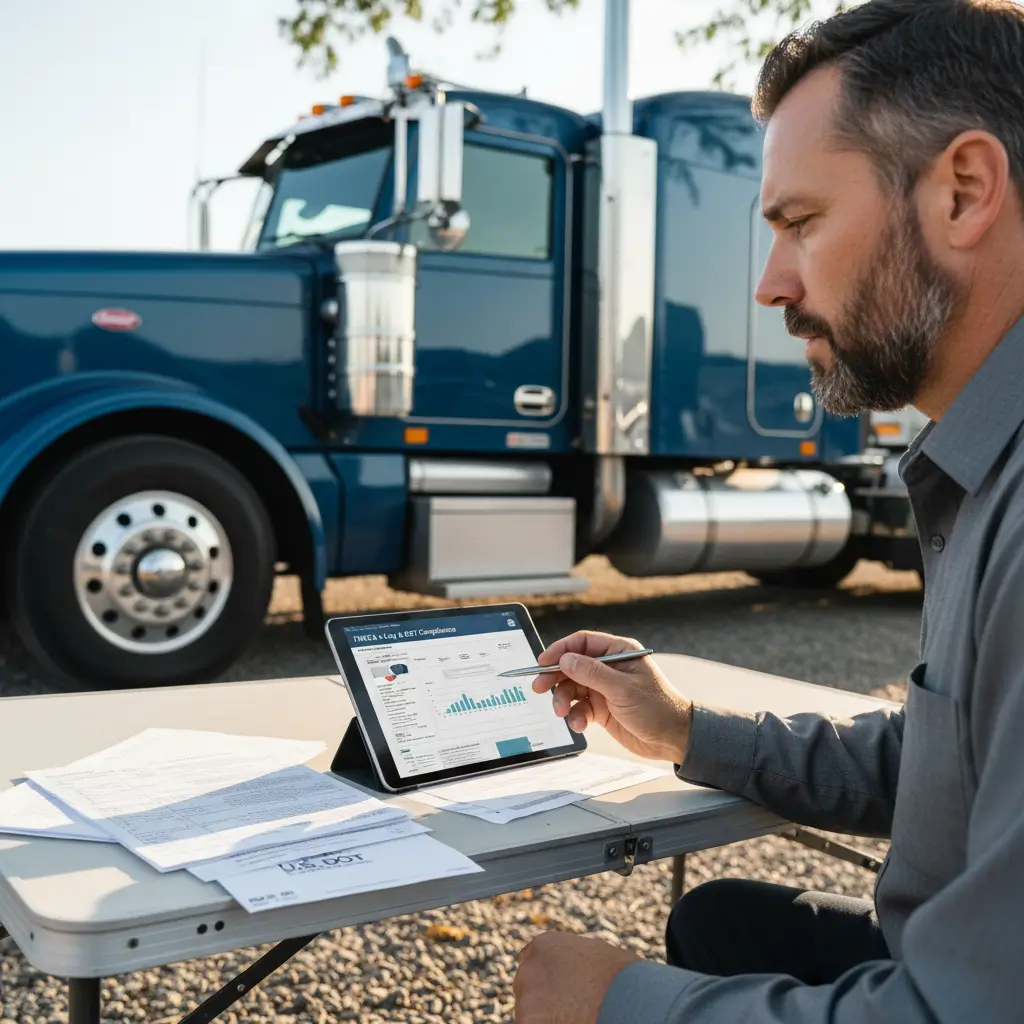

If you need to check whether a carrier is active, identify the right company, or confirm basic public status, the FMCSA company snapshot is the fastest official place to start. The trick is knowing the difference between SAFER, the Company Snapshot result page, and the FMCSA Portal so you don’t waste time in the wrong system.
What the FMCSA Company Snapshot is#
The FMCSA Company Snapshot is the public SAFER lookup result that shows basic carrier information tied to a USDOT number or company name. It helps you quickly confirm that a carrier exists in FMCSA’s public records, but it is not a full underwriting file, audit record, or claims history report.
SAFER is FMCSA’s public Safety and Fitness Electronic Records system. The Company Snapshot is the public-facing result page you see after searching a carrier in SAFER, using information published by the FMCSA.
Most people use the snapshot for one simple reason: speed. If you’re an owner-operator checking your own record, a broker screening a carrier before tendering a load, or an insurer verifying basic details, the snapshot gives you a quick public read on identity and status.
Why people use the public snapshot#
The main value is that it gives you an official-source starting point. A USDOT number, legal name, and operating status can answer a lot of first-pass questions before you spend time chasing paperwork.
It also helps cut through forum guesses and third-party mirror sites. If the question is "Does this carrier show up in FMCSA public records?" the official snapshot is the cleanest first check.
What it is not#
The snapshot is not a full compliance decision. It doesn’t replace deeper screening, current insurance review, driver qualification review, claims analysis, or a full safety investigation.
That’s where people get tripped up. A carrier can appear in public records without that telling you everything you need for hiring, brokering, or underwriting.

How to access the SAFER Company Snapshot lookup#
To access the FMCSA company snapshot, go to the official SAFER public site and search by USDOT number or carrier name. You do not need an FMCSA Portal login to view basic public carrier records, which is the part many users confuse.
The fastest route is the public SAFER lookup. The FMCSA Portal is a separate logged-in account system for registered users and internal account functions, as explained on the FMCSA Portal.
Search by USDOT number#
If you have the USDOT number, use that first. It’s the most precise search because company names can be misspelled, abbreviated, or listed under a legal name that’s different from the name painted on the truck.
Enter the number exactly as given. If the result is valid, the snapshot should pull the matching public record much faster than a name search.
Search by carrier name#
If you don’t have the USDOT number, search by the carrier’s legal or operating name. This works, but it can return multiple similar companies, old records, or partial matches.
When that happens, slow down and compare the legal name, location, and any other visible details before assuming you’ve got the right carrier. A close match isn’t the same as the right match.
Avoid portal login confusion#
A lot of users search "FMCSA Portal login" when they really just need the public SAFER search. That’s wasted time if all you need is a public company snapshot.
The public lookup is for viewing. The portal is for account-based services and filings. If you’re just trying to check whether a carrier is in FMCSA public records, start with SAFER, not the portal.
When a wrong match or sparse record creates a real business problem, don’t guess your way through it. If you’re trying to sort out what public carrier status means before a policy review,
What information appears in a Company Snapshot#
A Company Snapshot usually shows core public carrier details like legal name, USDOT number, operating status, and other public identifiers. It may also display authority- and safety-related fields, but those fields should be read as a quick public screen, not as a final compliance judgment.
Expect the basics first: legal business name, USDOT number, address information, and public operating details. Depending on the record, you may also see status fields tied to safety, inspections, authority, or insurance-related public indicators.
Carrier identity and operating details#
This is the part most users care about first. Does the carrier record match the company you intended to search, and does the public identity line up with the paperwork in front of you?
That simple match matters more than people think. One digit off in a USDOT number can point you to a completely different operation.
Safety and authority indicators#
Operating authority is FMCSA permission for certain for-hire interstate operations. Public liability is the liability coverage required under federal financial responsibility rules for certain carriers, and the broader framework sits under 49 CFR Part 387.
You may see fields that suggest whether a carrier’s public status is active, inactive, or otherwise limited. Those fields are helpful, but they don’t tell the whole story by themselves.
The same goes for insurance context. Public records can point to whether authority-related filings exist, but they are not a substitute for reviewing current certificates, endorsements, or the actual policy structure. MCS-90 is a federal endorsement tied to certain motor carrier public liability obligations, not a simple proof that every insurance question is resolved.
Limits of public data#
A public snapshot is only as useful as the question you’re asking. If your question is "Does this carrier appear in FMCSA public records under this name or USDOT number?" it’s excellent.
If your question is "Is this carrier a good underwriting risk?" or "Should I trust this company with a high-value shipment?" the snapshot alone isn’t enough. That’s where deeper reports, direct document collection, and context matter.
How to read safety and authority status without overinterpreting it#
The FMCSA company snapshot can confirm that a carrier appears in public records and may show useful status indicators, but it should not be treated as the final word on compliance. Use it as a first screen, then verify anything important with additional sources or documents.
This is the part that causes the most bad decisions. People see one public status field and read way too much into it, especially when the record looks sparse or dated.
Public status versus full compliance#
Public status is not the same thing as full operational readiness, full insurance review, or a full safety evaluation. It tells you something, not everything.
For example, a public record might help you confirm identity and basic standing, but it won’t replace the due diligence a broker, shipper, or insurer needs for a real risk decision. That’s especially true if cargo value, deadlines, or policy issuance are on the line.
Why incomplete results happen#
Sparse results can happen for ordinary reasons. The company name may not match exactly, a recent filing may not yet appear the way you expect, or the public-facing fields may simply be limited.
That’s why a blank-looking or thin record shouldn’t be overread as proof that a carrier is clean, unsafe, authorized, or unauthorized. Sometimes it just means your search input or your expectations don’t match the public data format.
When to dig deeper#
If you’re onboarding a carrier, reviewing a new venture, or checking a file before binding coverage, use the snapshot as step one. Then verify the parts that matter through supporting documents and additional record checks.
For insurance questions, public carrier identity is only one piece. If you’re not sure what coverage fits your operation or how public status ties back to insurance requirements, LogRock can help you scope it.
How brokers, shippers, and insurers use the snapshot#
Brokers, shippers, and insurers use the Company Snapshot as a fast public screening tool to confirm carrier identity and basic status before they spend time on deeper review. It helps with workflow, but it does not replace formal qualification, underwriting, or contracting steps.
Owner-operators aren’t the only ones using SAFER. A broker may check the snapshot before load setup. A shipper may use it to confirm the carrier they’re dealing with is the same one shown on documents. An insurer may use it as an early identity cross-check during submission review.
Quick carrier screening#
The public snapshot is useful because it’s fast and official. Before anyone starts emailing for supporting documents, a quick SAFER check can catch obvious mismatches in name or USDOT number.
That alone can prevent wasted time. It can also flag when a file needs a closer look before anyone moves forward.
Cross-checking with other reports#
A serious review usually goes beyond one screen. People often pair the public snapshot with insurance documentation, internal onboarding notes, and sometimes driver- or carrier-level reports depending on the decision being made.
NAIC is the National Association of Insurance Commissioners, a standard reference point for insurance regulation context through NAIC. But even insurance context from a regulator doesn’t replace current carrier-specific documentation.
When a public lookup is not enough#
If the shipment is high stakes, the cargo is sensitive, or the insurance review affects whether a policy can move forward, the public snapshot is not enough by itself. That’s when direct document requests and additional verification matter.
Step-by-step checklist for using the official lookup correctly#
The best way to use the FMCSA company snapshot is to treat it like a short verification checklist: enter the right identifier, match the legal name, review the public status fields, and save the date of your lookup. That keeps a quick search from turning into a bad assumption.
A simple process beats memory every time. If you do these same steps on every check, you’re less likely to rely on the wrong record.
Enter the right identifier#
Start with the USDOT number if you have it. That’s usually the cleanest path to the correct record.
If you only have a name, use the most exact legal or operating name available. Watch for punctuation differences, abbreviations, or extra words that can throw off a search.
Confirm the carrier name matches#
Once you get a result, compare the legal name carefully. Don’t stop at "looks close enough."
Check whether the company in the snapshot is actually the one on the rate confirmation, insurance request, or policy submission. Similar names are common enough to cause real mistakes.
Check status details#
Look at the public fields available on the snapshot, but keep them in context. You’re confirming public identity and public indicators, not making a full legal or underwriting conclusion from one screen.
If the result seems thinner than expected, don’t jump to a conclusion. Re-run the search with the exact USDOT number or a cleaner version of the name before treating the result as meaningful.
Save the record for reference#
Public records can change, so note the date you checked the snapshot. If the lookup matters to a shipment, onboarding file, or insurance review, save a copy or screenshot with your notes.
That way, you know what you relied on and when. For a busy operation, that one habit keeps small verification tasks from turning into bigger disputes later.
Related FMCSA resources when the snapshot is not enough#
When the Company Snapshot doesn’t answer your question, use other official FMCSA and U.S. DOT resources for context and ask for direct documentation when the decision matters. The snapshot is based on public data, but public data has limits.
The U.S. Department of Transportation data catalog helps explain how transportation datasets are published and what public records are meant to show. transportation.data.gov is the transportation open-data environment used for public dataset context tied to U.S. DOT information.
That context helps if you’re trying to understand why public fields look the way they do. It doesn’t make the public snapshot more complete, but it does help explain what kind of information is being surfaced.
If a shipment, onboarding decision, or insurance question depends on current status, ask for the documents directly. A certificate, filing evidence, or current carrier paperwork may answer more than the snapshot can.
Quick FAQs on FMCSA Company Snapshot searches#
Is the FMCSA Company Snapshot free to use?#
Yes. The official public SAFER lookup is free for basic carrier searches, including checking a company by USDOT number or name. If you’re using the official FMCSA public search, you shouldn’t need to pay just to view a basic Company Snapshot.
What sometimes confuses people is that paid third-party services may layer extra screening tools on top. Those tools may have value, but they are separate from the official public snapshot. If you only need a first-pass public check, start with SAFER.
Can I search the Company Snapshot by USDOT number or carrier name?#
Yes. Those are the two main ways people search the official public lookup. If you have the USDOT number, use it first because it’s usually the most accurate and fastest option.
Name searches work too, but they can return multiple similar records or partial matches. When using a name search, compare the legal name and any other visible identifiers before relying on the result.
Does the Company Snapshot show authority and safety status?#
It can show public fields related to authority, operating status, and other safety- or compliance-related indicators. That’s useful for quick screening, but it is not the same as a full compliance review or underwriting decision.
Treat those fields as a starting point. If the decision matters for a load, a contract, or insurance, confirm what you need through additional documents and official records rather than relying on one public screen alone.
FAQ#
Is the FMCSA Company Snapshot free to use?
Yes. The official SAFER public lookup is free to use for basic carrier information. You can search public records without paying to view a Company Snapshot, which makes it the best first stop when you need a quick official-source check.
What matters is using the real FMCSA public site instead of assuming a mirror or paid search page is the official source. If you’re only trying to confirm a carrier’s public identity, USDOT number, or basic status, SAFER is usually enough for that first look.
Can I search the Company Snapshot by USDOT number or carrier name?
Yes. The two main search methods are USDOT number and carrier name. The USDOT number is usually the better option because it points more directly to the exact record, while company names can be similar, abbreviated, or entered differently in public records.
If you only have a name, search carefully and compare the result against the legal name and other visible details. A close name match can still be the wrong carrier, so treat name searches as helpful but less precise.
Does the Company Snapshot show authority and safety status?
It may show public fields related to operating status, authority, and safety-related indicators. That can help you screen whether a carrier appears active in public records, but it is not a final compliance ruling and should not be treated like a full due diligence file.
Use those public indicators to guide your next step, not to replace it. If the decision affects load tendering, shipper onboarding, or insurance review, confirm what matters with supporting documents and additional verification.
What should I do if the lookup returns little or no information?
First, check the exact USDOT number and spelling of the carrier’s legal name. Sparse results often come from simple input problems, recent record changes, or the limits of what the public snapshot displays.
If the result still looks incomplete, don’t assume that means good standing or bad standing. Re-run the search, try the USDOT number if you have it, and use additional verification if the situation matters for a shipment, onboarding, or policy review.
What is the difference between SAFER, the FMCSA Portal, and the Company Snapshot?
SAFER is the public FMCSA lookup system. The Company Snapshot is the public result page you see after searching a carrier in SAFER. The FMCSA Portal is a separate logged-in system used for account-based functions, filings, and services tied to registered users.
That’s why so many users get turned around. If you just want to search a carrier’s public record, you usually need SAFER, not a portal login. The portal becomes relevant when you’re handling account or filing tasks, not simple public lookups.
How do brokers and shippers use the Company Snapshot?
They use it as a fast public screening step. Before a broker tenders a load or a shipper moves deeper into onboarding, the snapshot can help confirm that the carrier name and USDOT number line up with the public record.
From there, serious decisions usually require more than one screen. Brokers, shippers, and insurers often follow the public lookup with document review, internal qualification steps, and other reports when the risk or transaction is important.